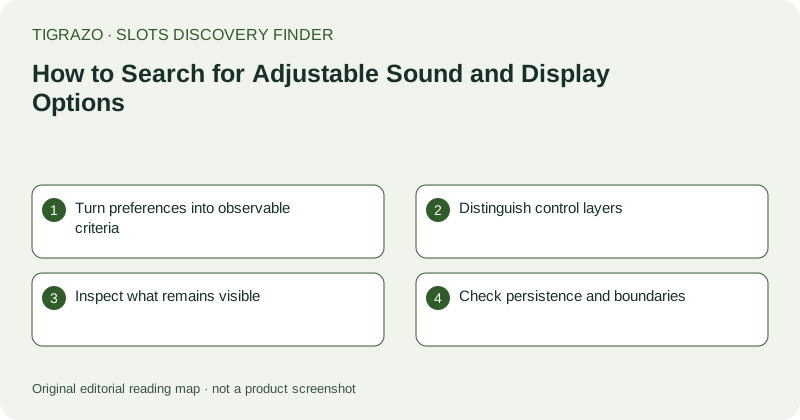
Turn preferences into observable criteria
Replace vague phrases such as quiet game or clear screen with specific requirements. You might need music disabled while effects remain audible, text readable at a particular zoom level, or animations reduced without hiding result information. These are distinct capabilities. Decide which are essential and which are preferences before inspecting candidates. Otherwise one convenient control can distract from another missing adjustment. Also identify whether your concern is sensory comfort, reading small text or avoiding ambiguous feedback, because each leads to different verification questions.
Distinguish control layers
A game-level sound control changes audio within that game. A muted browser tab may silence everything in the tab, while a device volume control affects broader output. These options can sometimes meet a practical need, but they are not evidence of equivalent in-game functionality. Record the layer used. The same applies to display adjustments: browser zoom, operating-system scaling and a game's own text setting can have different effects. A candidate should not be described as offering a feature merely because another layer compensates for its absence.
Inspect what remains visible
When a supported non-transactional setting changes, check whether stake, result labels and important controls remain legible. Enlarged text can cause a panel to clip or move a button outside the visible area. Reduced animation should not be assumed to preserve every informational cue unless it can be confirmed. Avoid paid spins solely to test a display preference. Use menus, written instructions and safe information screens where possible. If verification requires an unrequested transaction, leave the capability unresolved rather than turning discovery into experimentation with money.
Check persistence and boundaries
A setting may apply only to the current session, browser profile or device. Look for documentation of persistence and avoid assuming that one observed state carries everywhere. Also ask whether opening an information panel changes audio behaviour or whether fullscreen mode hides browser controls you rely on. A screenshot of a muted icon establishes very little about these boundaries. Your notes should describe the exact setting, its observed or documented scope and any limitation that matters to the brief.
Use a clear disposition
A practical record might say music and effects share one toggle, browser zoom keeps the paytable readable, and reduced motion is not established. That is more useful than an unsupported accessible or inaccessible label. Include candidates only when the essential requirements are supported under the relevant conditions. Optional preferences can remain as notes. No audio or display adjustment changes the mathematical distribution of awards. These criteria concern access to information and comfort of inspection, not game value, return expectations or a reason to extend a session.